Creative Valentine's Day Project: Designing Adorable Printable Valentines with Clipart & AI
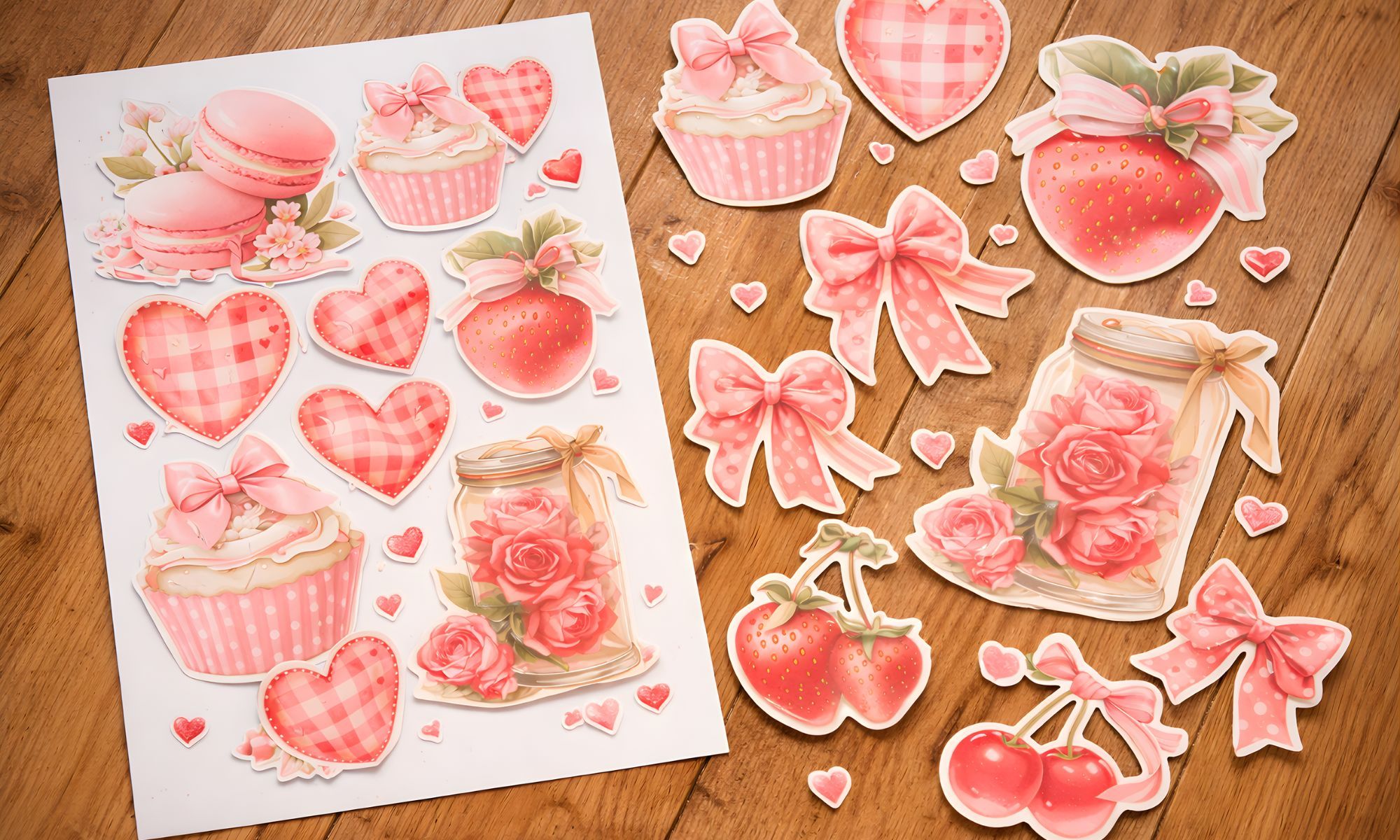
A gentle DIY guide to designing cute Valentine printables with clipart and Midjourney.
Happy almost Valentine's Day, creatives. Mădălina here. This season always gets my artistic heart fluttering. There are so many fun projects floating around on Pinterest and Etsy right now, from printable games to cute classroom cards.
I have been especially inspired seeing printable Valentine bingo and DIY kids cards trending. If you are itching to make something for Valentine's but do not know where to start, let us do a little project together.
In this post, I will show you how to design your own adorable Valentine's Day printables using my new clipart bundle, plus a sprinkle of AI magic with Midjourney prompts. No fancy design degree or drawing skills needed. We are keeping it simple, fun, and totally pressure free.
Think of this like a crafty play date. By the end, you will have a sweet printable you can use or even sell, and you might pick up a new AI trick too. Ready to get those creative bytes flowing? Let us dive in.
Trending Valentine project ideas for creators
I did some digging on Pinterest and Creative Fabrica to see what is hot. Printable Valentine cards and tags are huge this year, along with sticker sheets and party game printables. I even saw adorable "Wild About You" safari sets taking off, and lots of teachers and moms are looking for non-candy classroom treats.
There is so much opportunity for creators to put our own spin on these. I realized I have not covered printable classroom Valentines on the blog yet, and they are such a sweet project. So let us create a set of DIY Valentine cards for kids using my Bytes of Us Valentine Clipart Bundle and one optional Midjourney prompt for an extra twist.
Project overview: cute and easy Valentine cards
We will design three small printable cards you can print at home. Think 3 by 3 inches, the kind kids hand to classmates or you tuck into a gift. The theme I chose is "Lovable Animals" because who can resist a punny animal Valentine.
One of mine says "I love you beary much" with a teddy bear graphic. Feel free to adapt the theme to whatever you like. Robots, unicorns, or space cats all work too. The steps are the same.
You will need:
- Valentine clipart set (mine or any you love)
- A graphics program like Canva, Photoshop, or PowerPoint
- Optional: Midjourney access for an extra image
- Printer and cardstock if you want to print at home
You can absolutely do this with free clipart or your own doodles too. The key is the process. And trying the AI part is totally up to you. It is a fun add-on, not a must.
Step 1: plan your designs and message
First, let us plan out our mini cards. I like to decide on two or three designs so there is a little variety. Think about a theme or style. Maybe all cards use similar colors or characters.
Jot down a couple of cute messages. Kids, and honestly everyone, love puns or sweet sayings. Some ideas: "You are bear-y sweet" with a bear, "Bee mine" with a bee, "You are purr-fect" with a cat. Keep it light and positive.
I noticed many printable cards on Pinterest use adorable animal puns like a safari set that said "I am wild about you" with jungle animals. We can do something in that spirit with our own twist.
Since Bytes of Us is all about gentle encouragement, I also like adding a tiny uplifting note. One of our cards could say "You make the world sweeter" along with a cute graphic.
Step 2: design with clipart
Open Canva or your chosen app and create a new page. I set mine to 8.5 by 11 inches so I can print multiple cards on one sheet. You can always format for print-and-cut or any size you need.
Decide if you want a colored background or a clean white base. I am going with a soft pastel pink background on one card and a pale mint on another. Pastels or off-whites feel calm and are printer friendly.
Now the fun part. Add your Valentine clipart elements. From our bundle, I am using a little teddy bear holding a heart and a watercolor cupcake with tiny hearts. Drag them in and position them toward the center top of the card so there is room for text. Resize as needed.
The Bytes of Us Valentine Clipart Bundle includes more than twenty hand painted graphics, hearts, cute animals, and sweet treats, so you have plenty of options to mix and match.
Add your message in a clean, easy to read font. I picked a playful font that looks like handwriting. I made the text color match one of the heart shades in the clipart for a cohesive look.
Repeat for each design. For my second card I used the cupcake clipart and wrote "You are sweet." For the third I used a bunny holding a heart and wrote "Somebunny loves you." I could not resist that one.
Keep plenty of white space so the cards do not feel cluttered. And do not worry about perfection. If the text is a tad off center, you can nudge it, but it does not need to be exact. The charm is in it being homemade.
Step 3: optional Midjourney twist
If you are new to Midjourney, do not worry. Think of it as a friendly art assistant. You describe what you want in a short prompt and it creates an image for you.
Let us say we want a fourth card with a koala hugging a heart. Instead of searching for it, I open Midjourney and use one of my Valentine prompts: "watercolor illustration of a cute koala holding a heart, pastel valentine background." Hit enter and it generates a few options. It might take a couple tries to get the style just right, but it is surprisingly easy.
I download the AI image and drop it into my card design just like the clipart. It is optional, but it can spark ideas and give you one of a kind art to complement your designs.
I made a small Valentine prompt pack because I remember feeling a bit lost at first with AI art. These prompts are ready to use recipes for soft, whimsical Valentine images and help you skip the trial and error phase.
One gentle reminder: when using AI generated art, make sure you have the right to use it for your project or shop. I keep everything ethical and clear because supporting artists and responsible tools matters to me.
Step 4: print, cut, and share
Time to bring these from screen to real life. Print your page of cards on heavyweight cardstock or photo paper for best results. I use a matte cardstock so the colors pop but do not smudge. Print at 100 percent scale so the sizing stays true.
Cut the cards with a paper trimmer or simple scissors. Because we made a template with multiple cards per page, you can add cut lines or eyeball it. If they are not perfectly uniform, that is fine. It is made with love.
Now you have a set of adorable Valentines ready to go. Pack them in your kiddo's school goodie bags, or write a short note on the back for classmates. These also make cute gift tags. Punch a hole in the corner and tie them onto a treat.
If you want to turn these into stickers, print on sticker paper and cut by hand or use a cutting machine. If you sell digital products on Etsy, you now have a PDF you can list as a printable download.
Take a moment to appreciate that you designed these. From a blank page to finished Valentines, that is a big creative win.
A gentle wrap up
And there we have it. Custom Valentine's Day printables made with a mix of traditional art and a pinch of AI magic. My favorite part is how personal we could make them. It feels so much more special than store bought cards.
If this was your first time using clipart or Midjourney, I hope it showed you how approachable digital creativity can be. You do not need to be a pro artist to create something that brings joy to others. All it takes is a bit of imagination and the willingness to try.
If you loved the graphics we used, the Bytes of Us Valentine Clipart Bundle is available in my Etsy shop. And for the curious creatives, the Midjourney Valentine Prompt Pack is my little cheat sheet for getting cuddly animal illustrations without the trial and error.
I would love to see what you create. Tag me on social media or drop a pic in the comments. If you have questions or get stuck on a step, ask away. I am here to help.
And if you want more gentle creative projects and freebies, join our newsletter. I share new clipart, design tips, and cozy encouragement on the regular.
Whether you are crafting for your kiddos, your shop, or just for fun, I hope this project added a little more love to your day. Thank you for creating with me, and Happy Valentine's Day from Bytes of Us to you.
With love,
Mădălina from BytesOfUs 💖
Join the Cozy Creator Mail (freebies inside)
Get mini prompt drops, behind-the-scenes process notes, creator freebies, and early access to new clipart + guides.Cozy, useful, and never spammy.
Related stories
 Creators
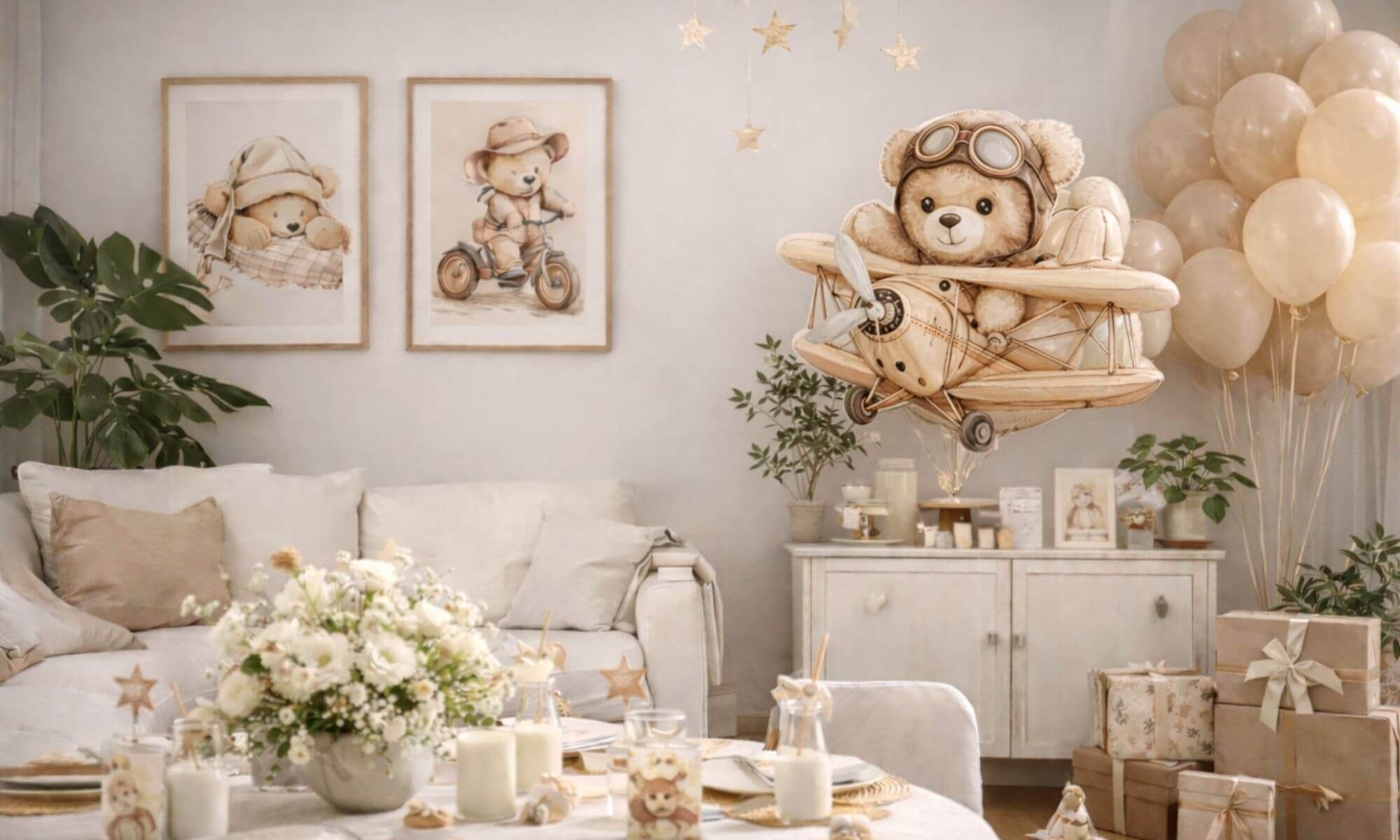
DIY Teddy Bear Baby Shower Decorations With Midjourney
Use Midjourney teddy bear prompts to design neutral, blue, and pink baby shower decor you can reuse.
 Creators
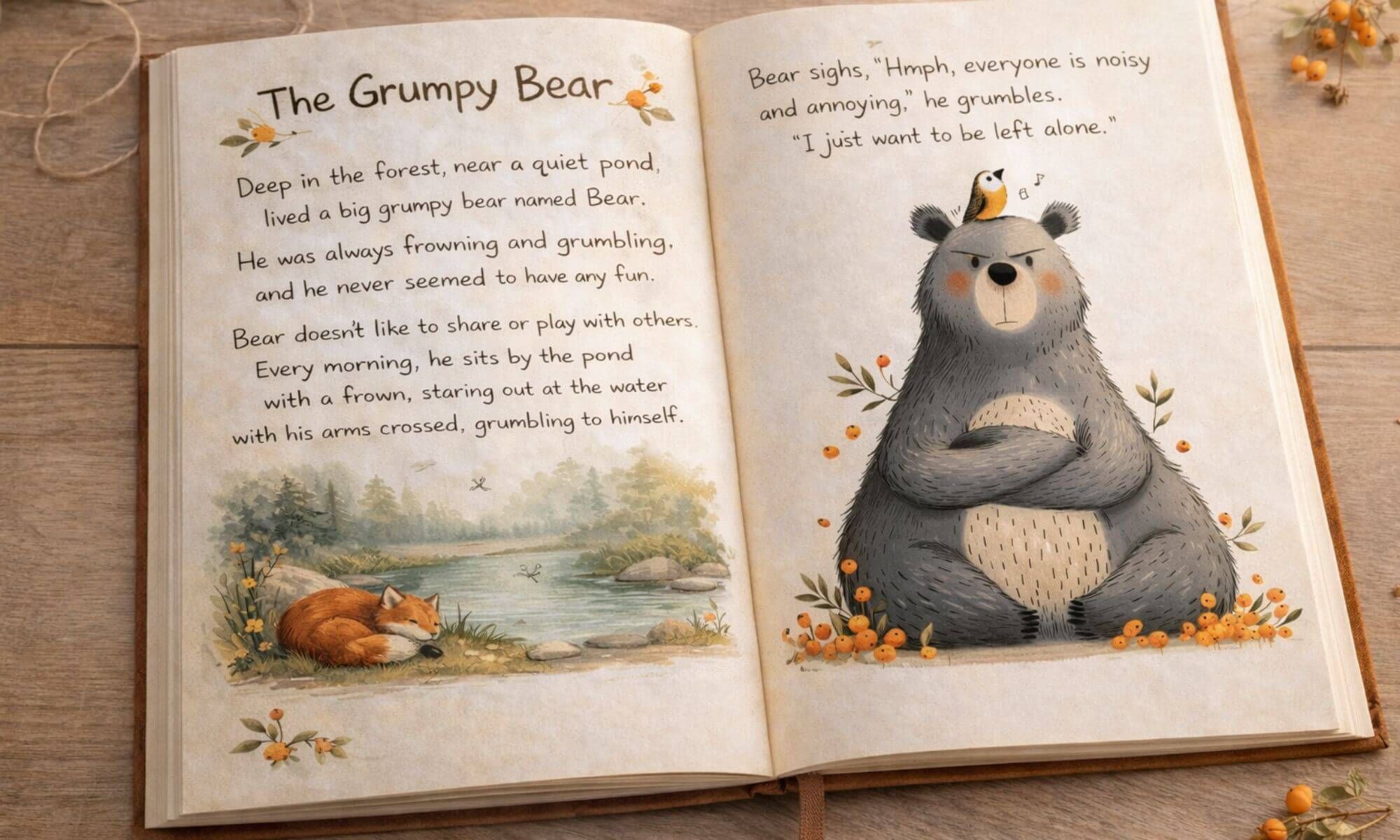
Whimsical Hand-Drawn Characters: How I Create Them with AI
Learn how I design whimsical characters with Midjourney and turn them into storybooks, wall art, and products.
 Creators
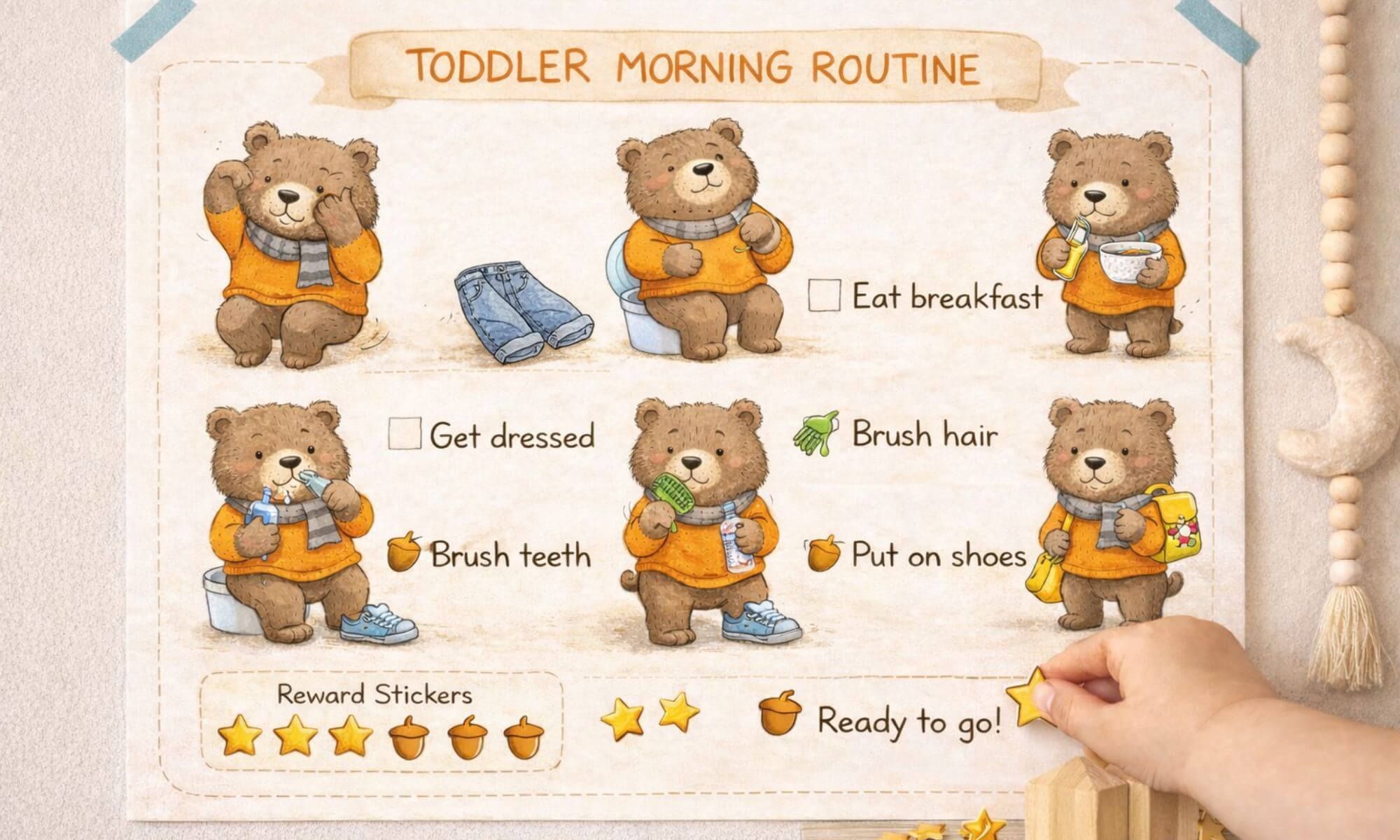
How I Used Cute Hand Drawn Animal Illustrations To Make A Toddler Routine Chart That Actually Works
Create a calm toddler morning routine with cute hand-drawn animal illustrations and the exact prompt recipe I use in...